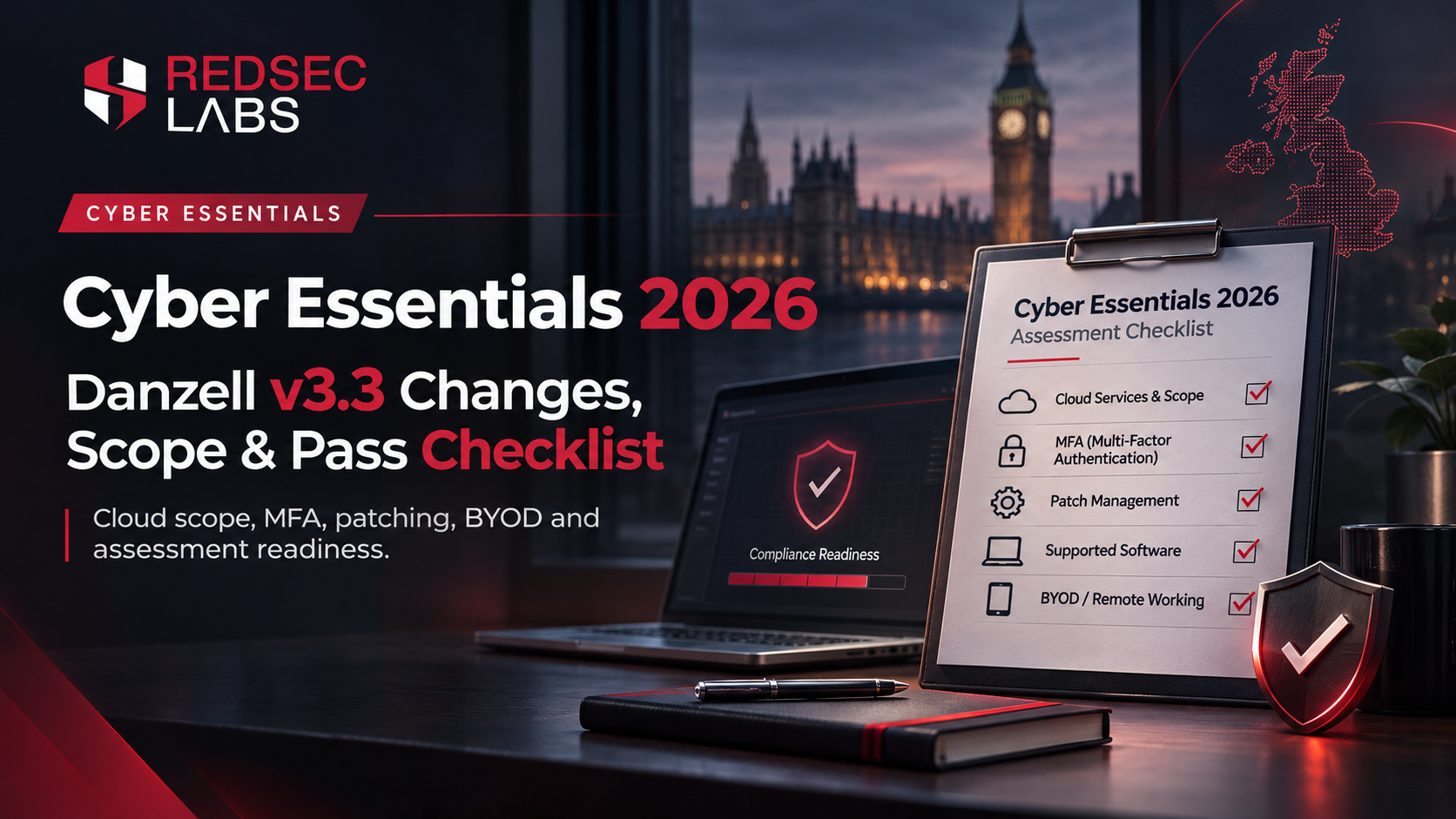
Cyber Essentials 2026: Danzell v3.3 Changes, Scope and Pass Checklist
What changed under Cyber Essentials Requirements v3.3 and the Danzell question set, where assessments commonly get stuck, and what evidence to prepare before submission.
Cyber Essentials assessments started using Requirements for IT Infrastructure v3.3 and the Danzell question set on 27 April 2026. The update is important, but it is better understood as a set of clarifications and assessment changes than as a completely new security standard.
For most organisations the practical work is familiar: define the scope correctly, keep supported software patched, configure devices securely, control user/admin access, use appropriate malware protection and enable multi-factor authentication where the scheme requires it. Danzell makes some areas easier to interpret and harder to overlook, especially cloud services and MFA coverage.
Do the scope before the questionnaire. If the certification boundary is wrong, every answer after it can be technically true and still describe the wrong estate. Start from administrative ownership, internet-facing boundaries, remote users, cloud services and BYOD, then decide what is genuinely in scope and how anything excluded is segregated.
|
One point worth clearing up:
Danzell did not invent the 14-day patching rule. The 14-day expectation for
applicable high/critical security updates already existed. The 2026 question
set and marking make accurate evidence and complete coverage more visible,
but the underlying patch window is not new. |
What changed in Danzell v3.3
The practical changes behind the wording
Version 3.3 adds a formal cloud-services definition, explicitly states that cloud services hosting organisational data or services cannot simply be excluded from scope, updates passwordless-authentication wording to include FIDO2, removes the old “untrusted connections” phrasing from the scope criteria, references the Software Security Code of Practice, and gives backups more prominence in the guidance.
For most applicants, the biggest operational consequence is the cloud statement. Microsoft 365, Google Workspace, hosted line-of-business applications and other subscribed services cannot be ignored just because the organisation does not manage the underlying servers. The applicant remains responsible for making sure the applicable controls are implemented, even where the cloud provider implements part of them.
|
Area |
What to pay attention to in 2026 |
|
Cloud services |
The definition and scoping are clearer. Services that store
or process organisational data and are accessed through accounts need to be
considered rather than quietly excluded. |
|
MFA |
MFA coverage is a direct pass/fail concern where the scheme
requires it and the service supports it. Check each in-scope cloud service,
not only the primary identity provider. |
|
Scope/exclusions |
Exclusions need a defensible basis and appropriate
separation. Build the asset/service list before answering the questionnaire. |
|
Applications |
The requirements distinguish custom application components
from commercially available software/web applications. Make sure
public-facing commercial software is being managed and updated. |
|
Passwordless access |
Passkeys/passwordless methods are recognised more
explicitly within the access-control guidance. |
|
Evidence |
Answers have to describe the environment that exists at
submission time. Future remediation plans do not turn a failing control into
a passing one. |
Where assessments usually get stuck
1. MFA is enabled centrally, but not everywhere
Cloud authentication deserves its own inventory
The v3.3 requirements state that authentication to cloud services must use MFA. Administrative accounts and accounts accessible from the internet also require the additional protection described by the scheme. FIDO2 authenticators are now explicitly covered under the passwordless-authentication definition and are regarded as MFA in the guidance.
Do not assume that a strong Microsoft 365 policy covers every SaaS product. List the cloud services in scope and verify the authentication configuration service by service, including administrator and break-glass accounts.
A Microsoft 365 or Google Workspace MFA policy does not prove that every other in-scope SaaS platform is protected. Inventory cloud services, including business accounts that hold organisational data, and check MFA service by service. Shared logins create a separate access-control problem even when the password is strong.
2. The patch process exists, but the evidence is incomplete
The 14-day rule is specific
All in-scope software must be licensed and supported. Vulnerability fixes must be applied within 14 days of release when the vendor describes the issue as critical or high risk, when the vulnerability has a CVSS v3 base score of 7 or above, or when the vendor provides no severity information for the vulnerabilities fixed by the update. Applying every update inside 14 days is recommended, but the mandatory trigger is defined more precisely than that.
For assessment readiness, keep evidence that shows version, support status and patch timing for representative systems. A written patching policy is useful, but it does not prove that an exposed laptop, firewall, browser or server actually met the required timeframe.
Cyber Essentials expects applicable high-risk security updates to be installed within the required timeframe. The common gap is visibility: teams patch operating systems but miss browsers, VPN clients, productivity software, server packages or other commercial applications. Build one view of software, support status and outstanding security updates before submission.
Reconcile patch evidence against the asset and software inventory rather than trusting one dashboard in isolation. A central console can look clean while browsers, VPN clients, productivity software or unmanaged endpoints are missing from that console entirely.
3. Cloud scope is guessed from the network diagram
Build the scope from organisational data and services
A network diagram rarely captures SaaS. Start with where organisational data is stored, processed or accessed and which cloud applications staff use to perform business functions. Then determine which controls are implemented by the provider and which remain the organisation’s responsibility.
This is also where shadow SaaS causes problems. A service used by one department can still be in scope even if central IT did not procure it. Asset and service inventories are not a named Cyber Essentials control, but the v3.3 guidance is explicit that accurate asset information supports all five controls.
Cyber Essentials scope is not limited to devices behind an office firewall. SaaS and cloud accounts that store or process organisational data can matter even when the organisation owns no server in that environment. Ask finance, HR, sales and marketing as well as IT; shadow SaaS is often discovered outside the infrastructure team.
4. Unsupported software is still present
A device can be fully patched and still fail the baseline if the operating system or application is no longer supported for security updates. Find end-of-life software early enough to upgrade, replace or remove it from the business process legitimately. Do not wait for the assessor to discover it from an answer or device list.
5. Administrator accounts are used for daily work
Separate privileged administration from normal email, browsing and everyday work. Review local administrators, cloud admin roles and third-party support accounts. The important question is not how many admins exist; it is whether elevated access is necessary, attributable and used only when needed.
6. Remote and BYOD scope is assumed rather than documented
Partial scope has to be defensible
Cyber Essentials permits partial scope in some circumstances, but the boundary has to be clearly defined and justified to the assessor. A scope that excludes end-user devices is not acceptable, and cloud services hosting organisational data or services cannot simply be removed from scope. The practical question is not “can we leave this out?” but “what exact technical boundary separates it from the certified estate, and does that boundary meet the scheme rules?”
For remote workers, distinguish the user device from the home router. The scheme treats those components differently. For BYOD, document which devices are permitted to access organisational data and how the required controls are met rather than relying on a general remote-working policy.
Remote working changes where controls are enforced, but it does not make the devices or services disappear. Determine which devices access organisational data, which network controls apply and whether personal devices are actually permitted under the chosen scope. Write the answer from the real working pattern, not the office diagram.
What to have ready before the assessor asks
- A clear scope statement explaining the certification boundary, any partial-scope justification and how remote users, BYOD and cloud services are treated.
- An inventory of in-scope device types, operating systems, browsers, network devices and business cloud services, with supported versions.
- Evidence of MFA configuration for in-scope cloud services and administrative/internet-accessible accounts.
- Patch and vulnerability evidence showing that relevant critical/high-risk fixes meet the 14-day requirement.
- Evidence that unsupported software has been removed, upgraded or isolated using a compliant defined subset.
- A list of privileged accounts and evidence that administrative accounts are not used for routine web browsing, email or ordinary user activity.
- A short explanation of malware protection and secure-configuration controls for each major device class rather than one generic answer for the whole estate.
A practical pre-submission checklist
- List in-scope devices, operating-system versions and business-critical commercial applications.
- List cloud/SaaS services that store or process organisational data, with account ownership and MFA status.
- Confirm all in-scope software is supported and receiving security updates.
- Check applicable high/critical security updates against the 14-day requirement.
- Review firewalls, exposed services and unnecessary inbound access.
- Remove or change default credentials and disable unused accounts/services.
- Separate administrator accounts from day-to-day user accounts.
- Confirm malware-protection/application-allowlisting controls for each device type.
- Document remote-working and BYOD arrangements accurately.
- Have a board member or equivalent review the final declaration against the actual environment.
Cyber Essentials vs Cyber Essentials Plus
Cyber Essentials is a verified self-assessment against the five technical controls. Cyber Essentials Plus uses the same control set but adds independent technical verification on a sample of systems. If a contract asks specifically for Plus, a basic certificate does not substitute for that requirement. Plan the Plus audit inside the scheme's timing window after the basic certificate.
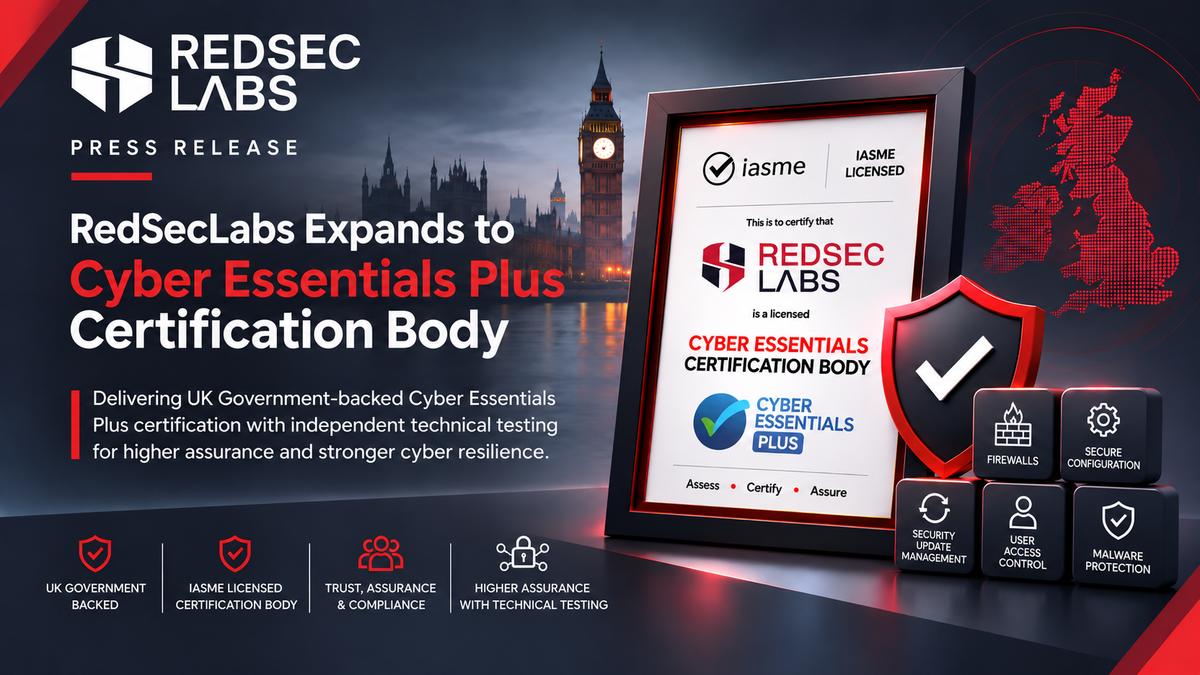
RedSecLabs Now Supports Cyber Essentials Plus
RedSecLabs has expanded its UK certification capabilities to include Cyber Essentials Plus, building on its existing position as an IASME-licensed Cyber Essentials Certification Body.
This means organisations can work with RedSecLabs across both levels of the scheme: from preparing for and completing the Cyber Essentials verified self-assessment through to the independent technical testing required for Cyber Essentials Plus.
Cyber Essentials Plus validates the same five technical control areas as Cyber Essentials, but adds hands-on technical verification across a representative sample of systems. For organisations that require a higher level of independently tested assurance, RedSecLabs can now support the assessment process through both stages.
Organisations planning for Cyber Essentials Plus should therefore treat the Danzell v3.3 requirements described in this guide as the foundation of their readiness work. Accurate scope, complete MFA coverage, supported software, timely patching, secure configuration and defensible BYOD arrangements all become especially important when those controls are independently tested rather than assessed solely through questionnaire responses.
 REDSECLABS
How to make renewal easier next year
Treat the questionnaire as a snapshot of controls you already operate, not as an annual project. Maintain the device and cloud-service inventory, patch reporting, admin-role review and MFA coverage during the year. When the question set changes, compare the new wording against an environment you already understand instead of rebuilding scope from scratch.
Preparing for Cyber Essentials or Cyber Essentials Plus?
RedSecLabs is an IASME-licensed Cyber Essentials Certification Body with Cyber Essentials Plus assessment capability.
We can support organisations from Cyber Essentials scoping and Danzell v3.3 assessment preparation through to the independent technical verification required for Cyber Essentials Plus.
Whether you are applying for the first time, renewing an existing certification or progressing from Cyber Essentials to Cyber Essentials Plus, our team can help you define the correct scope, identify readiness gaps and prepare the technical evidence required for assessment.
Explore RedSecLabs Cyber Essentials and Cyber Essentials Plus certification services.
Cyber Essentials Certification Services https://www.redseclabs.com/services/cyber-essentials-certification-services
Cyber Essentials Certification Services
https://www.redseclabs.com/services/cyber-essentials-plus-certification-services